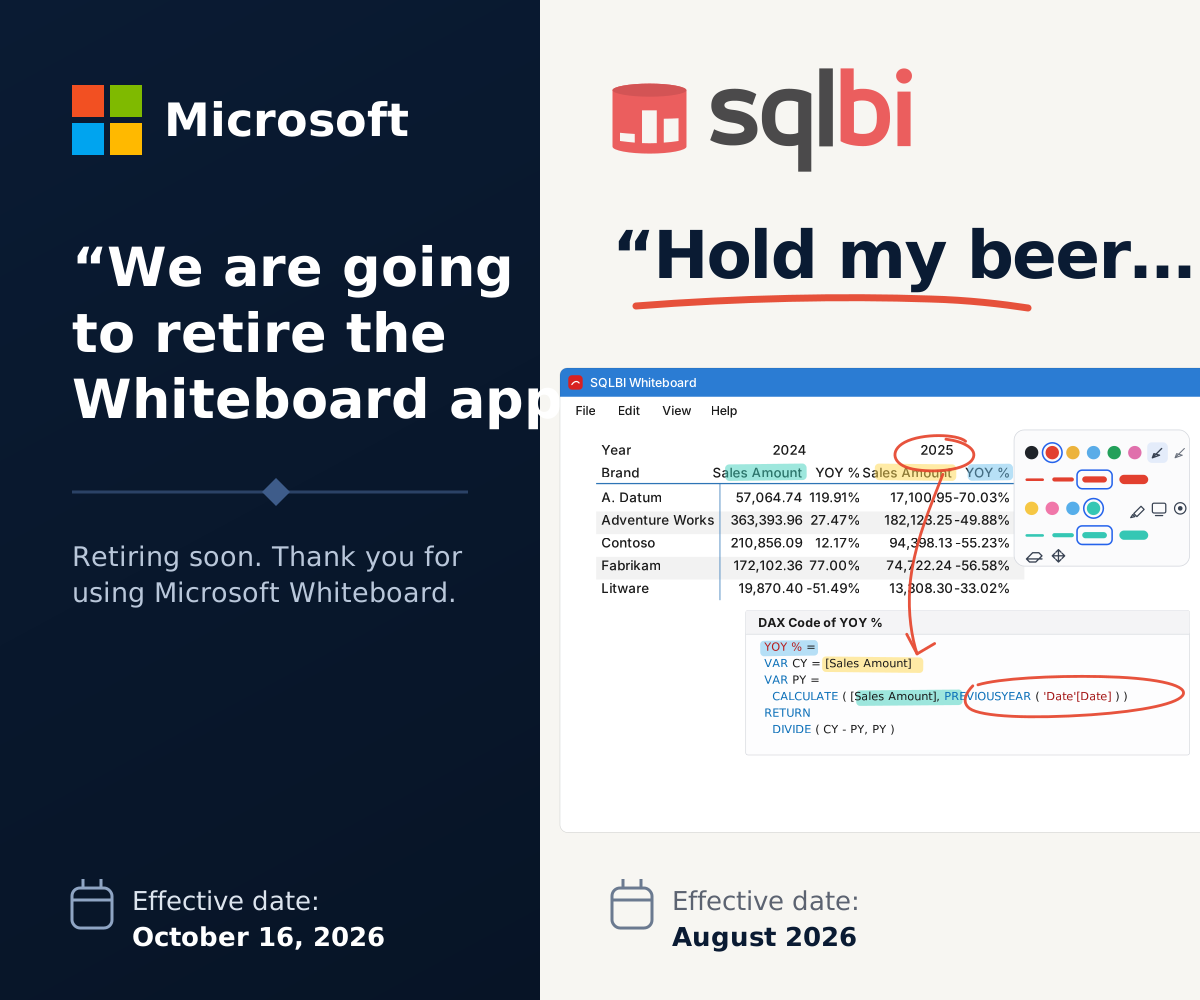
Everything stays on one canvas
Ink, code, and a live application in the same place, so the explanation never breaks to switch windows, whether you are recording a lesson or standing at a projector.
- Pen-first ink Pressure-aware strokes with palm rejection, tuned for Wacom and Surface pens.
- Unbounded canvas Pan with touch, pinch to zoom, and never run out of room mid-explanation.
- Live application capture Embed any window or display on the board and keep drawing over it.
- Shapes, connectors, and text Draw a diagram on the board: shapes hold their own text, and arrows bind to one and follow it.
- Select by area Sweep a rectangle or a lasso over ink and objects, or press Ctrl+A, and work on them as one.
- Code containers Text blocks with highlighting for fifteen languages, Markdown and Mermaid diagrams rendered, and F6 to format DAX, SQL, and KQL.
-
Portable board files
Boards save as
.wboardfiles. Explorer and VS Code show the embedded preview. - Native and yours A Windows application that needs no account or tenant and has no retirement date.
Read next
The pages on this site cover the application. The shortcut list is the one to keep open during a session.
From Microsoft Whiteboard
Export each board as a ZIP before 16 October 2026 and open it as a board here.
Guide
Ink, containers, LiveView, DAX, SQL and KQL, and board files. The way a live session actually runs.
Shortcuts
Every key, pen, mouse, and touch command on one filterable page. F6 formats, Alt+L is the laser, F11 is full screen.
FAQ
Windows versions, pens, accounts, Dev versus released, and how to report a problem.
Compare
What this is, what it is not, and how it sits beside Microsoft Whiteboard.
Import format
Build a board from Markdown: generate
.wimport recipes from your own tools.
Contribute
How a change reaches the product: pull requests, who may merge, and what a merge publishes.
VS Code extensionMarketplace
Preview .wboard files without leaving the editor.
Source codeGitHub
Issues, releases, and the full history.